
Jai Club Customer Care: Contact Customer Service Safely
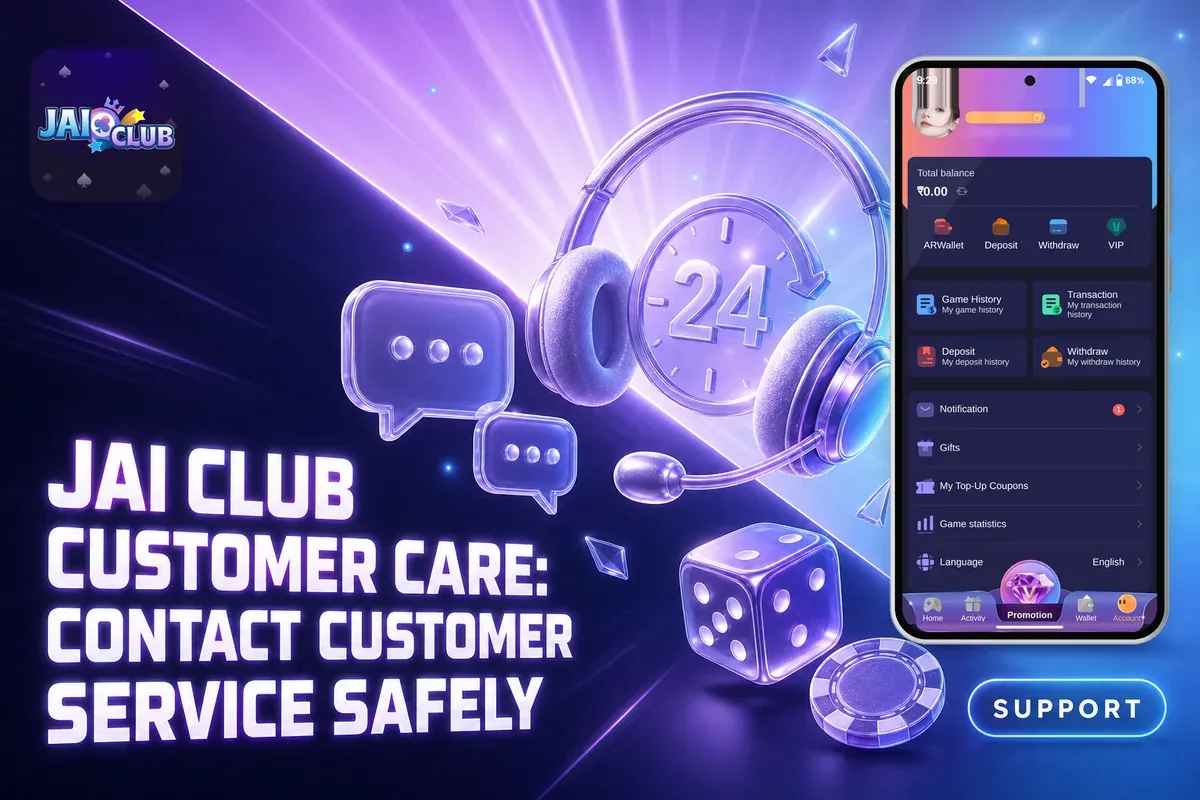
To contact Jai Club customer care, sign in, choose Account from the bottom menu, then go to Service center and open Customer Service. No phone number appears anywhere in the app, so this in-app route is the one to rely on.
Most requests are about a deposit that has not shown, a withdrawal on hold, a bank name that is now locked, or a forgotten password. Each of these gets sorted faster when your first message already has the right details. The sections below explain what to send for each problem and when you can fix it yourself without waiting.
First, remember this: real support staff do not send links in chats. If a person posing as support shares one, stop replying and go to the Jai Club home page directly yourself.
- Where To Find
- Account, then Customer Service
- Phone Number
- None listed in the app
- Support Links
- Never sent by support
- Password Reset
- Forgot password with OTP
- Referral Help
- Agent line customer service
- Gift Codes
- Ask your superior agent
Inside This Page
How To Contact Jai Club Customer Care In The App?
You contact support from the Account tab: scroll down to the Service center block and tap Customer Service. It sits next to Settings, Feedback, Announcement, Beginner's Guide and About us, so it is easy to find once you know where to look.
Message from inside the account the problem is about. If you have two phones, use the one where you are logged in to the affected account. That way support sees the right user ID straight away and does not have to ask you who you are.
- Open the Jai Club App or mobile website and log in.
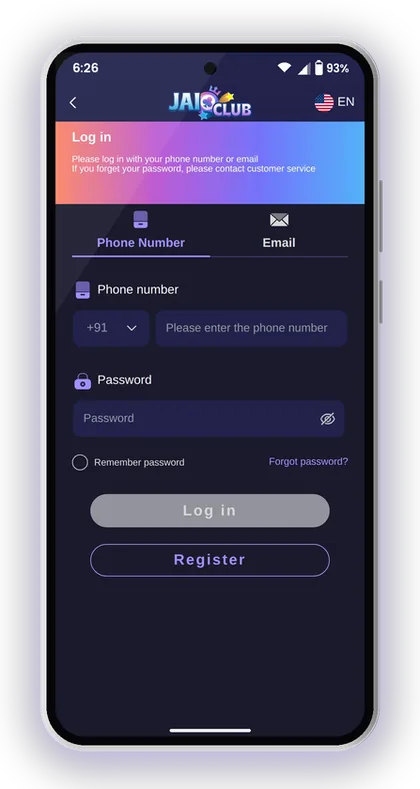
- Tap Account in the bottom menu.
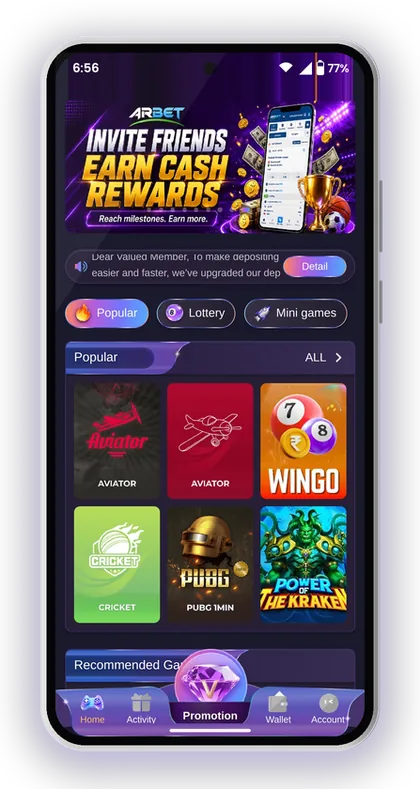
- Scroll down to the Service center section.
- Tap Customer Service.
- Explain the problem in one message and attach your proof.
Is There A Jai Club Customer Care Number?
No, the app does not give a customer care phone number. Help is offered through the Customer Service option inside your account, and for referral matters there is a separate agent line on the Promotion page.
This is worth knowing because fake numbers do show up in search results and comment sections. If a number did not come from inside the app, do not call it, and never share an OTP or password with whoever answers.
Can You Get Help Without Logging In?
Forgotten your password? The login page points you towards customer service, but try the Forgot password option first. It needs just your registered phone number and an OTP.
For any money issue, log in first. Support needs your account to check deposit orders and withdrawal requests. A message without your account details usually gets a reply asking for them, which wastes a round.
Helpful Hint: Write the whole problem in your first message (amount, time, method, order number) instead of sending just 'hello' and waiting.
What To Send Jai Club Customer Service For A Faster Reply
The quickest replies go to players who send proof with their first message. Support teams on apps like this deal with a lot of chats, and a ticket that already has the order number, amount and payment screenshot can be checked at once.
Take screenshots before you contact anyone. Your Deposit history and Withdrawal history are on the Wallet page and in the Account tab, and Transaction shows every money movement in your account. Grab the matching entry along with the receipt from your bank or UPI app.
- Your registered phone number or email
- The exact amount and the time you paid or asked to withdraw
- The method used: UPI, bank card, USDT or ARPay
- The UTR or reference number from your UPI or bank app
- For USDT, the transaction hash
- A screenshot of the order in your deposit or withdrawal history
Helpful Hint: Crop the screenshot so the amount, time and reference number are easy to read, and hide your balance from other apps.
Deposit Not Credited: When To Contact Support
Contact support when your money has left your bank or UPI app but your balance has not gone up. Before you do, read the recharge instructions on the Jai Club deposit page, because most failed deposits break one of them.
Nearly every deposit complaint traces back to three rules. Pay exactly the amount shown on the order you placed. Never cancel the order after making the payment. If the payment time runs out, raise a new deposit request rather than using the earlier QR.
Paid By UPI But The Balance Did Not Update
Begin by looking at your deposit history, and do not touch the order. For instance, you pay ₹500 through UPI and your bank shows the debit, yet your balance has not changed. Do not cancel that order, and do not pay again against it.
Then send Customer Service the order from your deposit history, the UTR number from your UPI app and the payment time. Paying twice to 'push' the first one is the most common mistake, and it only gives support two problems to sort out instead of one.
What If You Sent The Wrong Amount?
Inform support right away, but keep expectations realistic. According to the deposit page, money cannot be credited when the amount differs from the order, and the company takes no responsibility for an incorrect amount.
That makes prevention the real fix. Type the exact amount from your order into your UPI app, and do not round ₹1,005 down to ₹1,000. For USDT, paste the transaction hash into the hash id field on the deposit screen so the transfer can be matched.
Helpful Hint: Keep the UPI receipt until the money shows in your balance; the UTR number is the one detail support always asks for.
Withdrawal Problems And Bank Detail Errors
Many withdrawal 'issues' are just the rules doing their job, so check them before you contact support. According to the Beginner's Guide, your total bet must be 0 to withdraw. Each method also carries its own time window and a limit on daily requests, and all of this is given on the Jai Club withdrawal page.
If your request still fails after you check these, send support the request from your withdrawal history with a screenshot. Mention which method you used, because bank card, UPI and USDT each have their own time window.
Wrong Bank Name Or Account Number Saved
You will need customer service, as the name cannot be changed by you. Once your first bank account is saved, the recipient's name gets locked, and all later withdrawal methods have to carry that same name.
This catches new players out when they type a nickname or a family member's name. The withdrawal page also warns that losses from wrong bank details are your own responsibility. Check the name, account number and IFSC code twice before you tap Save.
Why Support Tells You Not To Use Your Phone Number As UPI ID
A warning on the Add UPI screen advises against entering your phone number as the UPI ID, since this may expose you to fraud. While binding UPI, choose a UPI ID that does not match your mobile number.
The notice also warns you against sharing OTPs or paying money to anyone who approaches you as support. Genuine support operates only within the app, so it will never ask for an OTP or a 'verification payment'.
Helpful Hint: Check the withdrawal time window and your remaining requests for the day before you message support about a failed withdrawal.
Jai Club Login And Password Help
Reset a forgotten password yourself with the Forgot password option on the Jai Club login page. You need the phone number you registered with and the OTP sent to it. Only contact customer service if that number no longer works.
Don't have an account yet? Register using your phone number and type 385987864126 into the Invite Code field. You can't submit the form without a code, as the field is mandatory.
Once you are in, it is wise to update your password every so often. Go to Account, then Settings, and edit the login password. Choose something at least 8 characters long that mixes uppercase and lowercase letters with numbers.
- Open the login page and tap Forgot password.
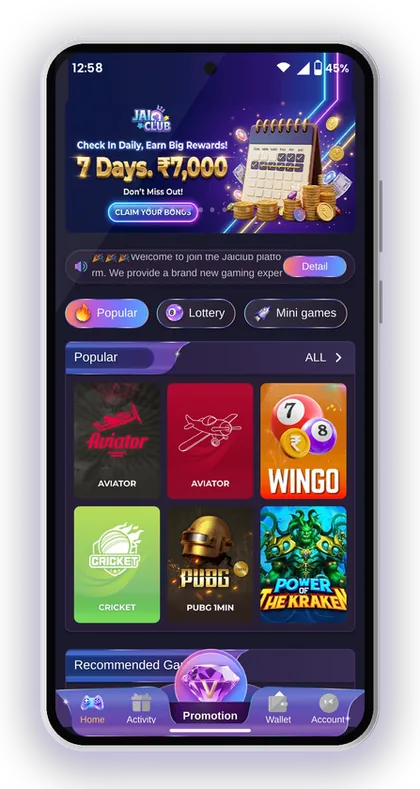
- Enter the phone number you registered with.
- Type a new password and type it again to confirm.
- Tap Send to get the OTP and enter it.
- Agree to the Privacy Agreement and tap Reset.
Helpful Hint: When the OTP fails to show up, give it a minute before pressing Send once more, as repeated quick requests may cause delays.
Self-Help Options In The Jai Club Service Center
The Service center has more than the chat. Several common questions are answered there already. Checking these first can save you a wait, especially late at night when chat replies are slower.
Announcement and Notification are the ones players skip most. Changes to deposit options, like the recent deposit upgrade notice on the homepage, are posted there. A deposit that 'stopped working' is sometimes just a channel that has changed.
| Option | Use it for |
|---|---|
| Beginner's Guide | Steps for register, deposit, withdraw, bank binding, gift codes |
| Announcement | Platform notices and payment changes |
| Notification | Messages sent to your own account |
| Transaction | Every money movement in your account |
| Deposit / Withdraw history | Status of each order and request |
| Feedback | Suggestions and non-urgent complaints |
| About us | Confidentiality and Risk Disclosure Agreements |
Helpful Hint: Use Feedback for suggestions and Customer Service for anything involving your money, since money issues need a reply.
Agent Line Support For Referral And Gift Code Questions
Questions about referrals and commission go to Agent line customer service on the Promotion page, not the general chat. That team handles subordinate data, commission details and invitation rules.
Your friends only become your level 1 subordinates if they sign up through your invitation link or type your code by hand. Wrong or missing codes are the most common reason a referral does not show.
Commission Missing From Yesterday
Check the time before you complain. Yesterday's commission is worked out from 01:00 every morning and added to your wallet after that, so a gap at midnight is normal.
If it is still missing later in the day, open Commission detail and Subordinate data on the Promotion page. Then send the agent line a screenshot of the friend's account who deposited. Rates change with your agency level and the game type, so check the rebate ratio too.
Where Do Gift Codes Come From?
Your superior agent, whose invite code you used, is the one who provides gift codes. To claim one, go to Account, then Gifts, and press Receive.
Customer Service usually cannot hand out codes, so asking them is often a wasted chat. If a code fails, check the spelling, then ask your agent whether it has expired or has already been used up.
Helpful Hint: Share your Jai Club invite code only through the Copy invitation code button so friends get the exact code with no typing mistakes.
Fake Customer Care, Links And Jai Club Hack Scams
Customer service on this platform never pushes links to players. If a message with a link arrives from someone using the support name, treat it as an account-theft attempt and open the Jai Club official website on your own instead.
There is no working Jai Club Hack. Win Go, K3 and the other games here produce random results, so every 'prediction' tool or paid signal group is a scam aimed at taking your deposit or login details. Download the app only from the Jai Club app download page, and never from a file somebody sends you.
This is real-money play meant for adults: only players over 18 are accepted, and the platform cautions that gambling can be addictive. Play only with money you can comfortably part with. Support can sort out a payment error, but it cannot recover money lost while playing.
- Someone sends you a link and calls it support
- You are asked for your OTP, password or UPI PIN
- You are asked to pay a 'fee' to release a withdrawal
- You are offered a hack, predictor or sure-win group
- Someone says they are support but contacts you outside the app
Helpful Hint: If you have already shared an OTP or password with a fake agent, change your login password from Settings right away and tell in-app Customer Service.
Players Often Ask
How do I contact Jai Club customer care?
Once logged in, press Account in the bottom menu, scroll to Service center and select Customer Service. In your first message, mention the problem, the amount, the time and the order number.
Is there a Jai Club customer care number?
No phone number is listed in the app. Support works through the in-app Customer Service option, plus the agent line on the Promotion page. Treat any number you find elsewhere as unverified.
My deposit was paid but not credited. What should I do?
Do not cancel the order and do not pay again. Send Customer Service the order from your deposit history, the UTR number from your UPI app and the payment time. Remember that the amount you transfer must match the order exactly.
Can customer service change the name on my bank account?
The name gets locked when you save your first bank account, and each later method must carry that identical name. If it is wrong, only customer service can correct it, so contact them through the app and send your details.
Can Jai Club support message me a link?
No, you shouldn't. Support staff never send members any links. A message with a link from a so-called agent is a trap, and tapping it can put your account and personal details at risk, so ignore it.
Who should I ask about referral commission?
Go to the Promotion page and use Agent line customer service. The previous day's commission is calculated from 01:00 every morning, so look at Commission detail first.
Can I register without an invite code?
No, you cannot leave the Invite Code field blank. While registering with your phone number, enter 385987864126 in that field.
Continue Reading
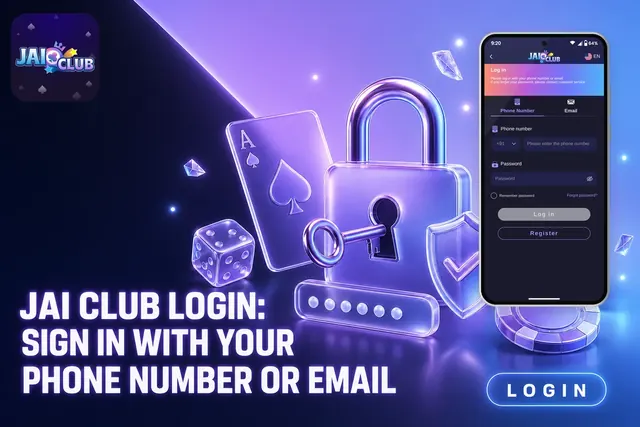
Jai Club login steps for phone or email, password rules, OTP reset, app vs browser sign-in and fixes for common errors. New? Use invite code 385987864126.
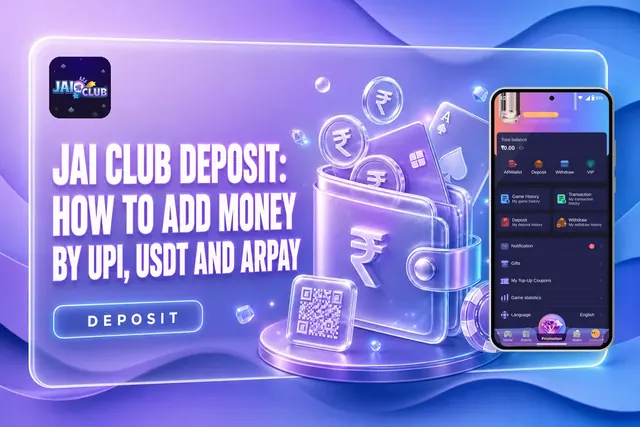
How to deposit at Jai Club via UPI, USDT and ARPay, with the ₹100 minimum, ₹50,000 UPI limit, recharge rules and what to do if funds don't show.
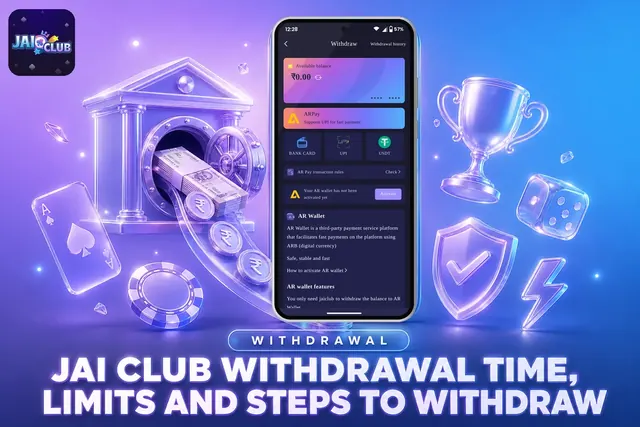
Jai Club withdrawal time and hours for UPI, bank and USDT, limits from ₹100 to ₹50,000, daily request cap, the steps and fixes for pending requests.
Want the Jai Club APK on Android? Use the button on the homepage, select Quick or Complete Installation, then sign up with invite code 385987864126.
Start On Jai Club
Create your Jai Club account with the official link and the invite code applied.